








Viewing survey results
Contents
Survey results can be viewed in two places:
- On the survey page, in the "Results" tab.
- By creating your own insights.
1. On the survey page
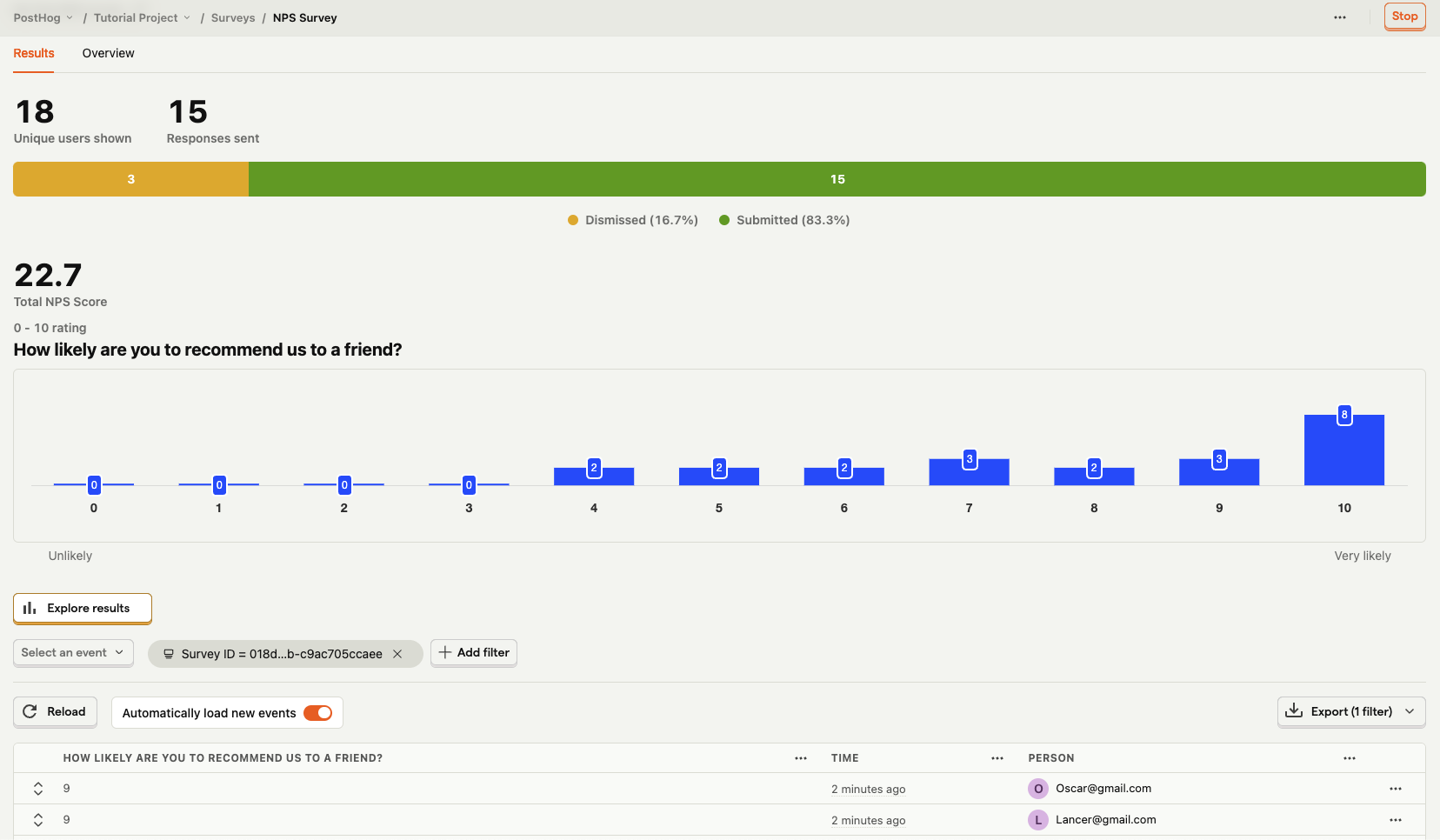
You can view your results by selecting your survey from the surveys tab. You'll see data on:
- How many users have seen the survey.
- How many users have dismissed the survey.
- Responses.
Depending your question type, you may also see charts with your responses.
For rating questions (including NPS), the trend charts include an Open as new insight button. Click it to save the chart as a new insight, which you can then add to a dashboard.
2. Creating your own insights
To create insights from survey results, navigate to the insights tab and click on New insights button.
There are four survey-related events you can create insights from:
survey shown- fires when a survey is displayed to a usersurvey sent- fires when a user responds to a questionsurvey dismissed- fires when a user explicitly closes the surveysurvey abandoned- (for surveys with partial completion enabled) fires when a user navigates away from the page before completing the survey
When creating an insight, select any of these events. To see data for a specific survey, create a filter using the Survey ID or Survey Name properties.
Depending on your question type, you may also find it helpful to breakdown results by the response.
You can do that by using the built-in SQL function getSurveyResponse(question_index, question_id, is_multiple_choice).
question_indexis the 0-based position of the question in the survey. So the first question has an index of 0, the second has an index of 1, etc.question_idis the ID of the question. Optional - use if if not all responses are being shown with only the index.is_multiple_choiceis a boolean that istrueif the question is a multiple choice question, andfalseotherwise. Optional, only needed for multiple choice questions.